
NADRA Face Verification for Pensioners via Pak ID App Now
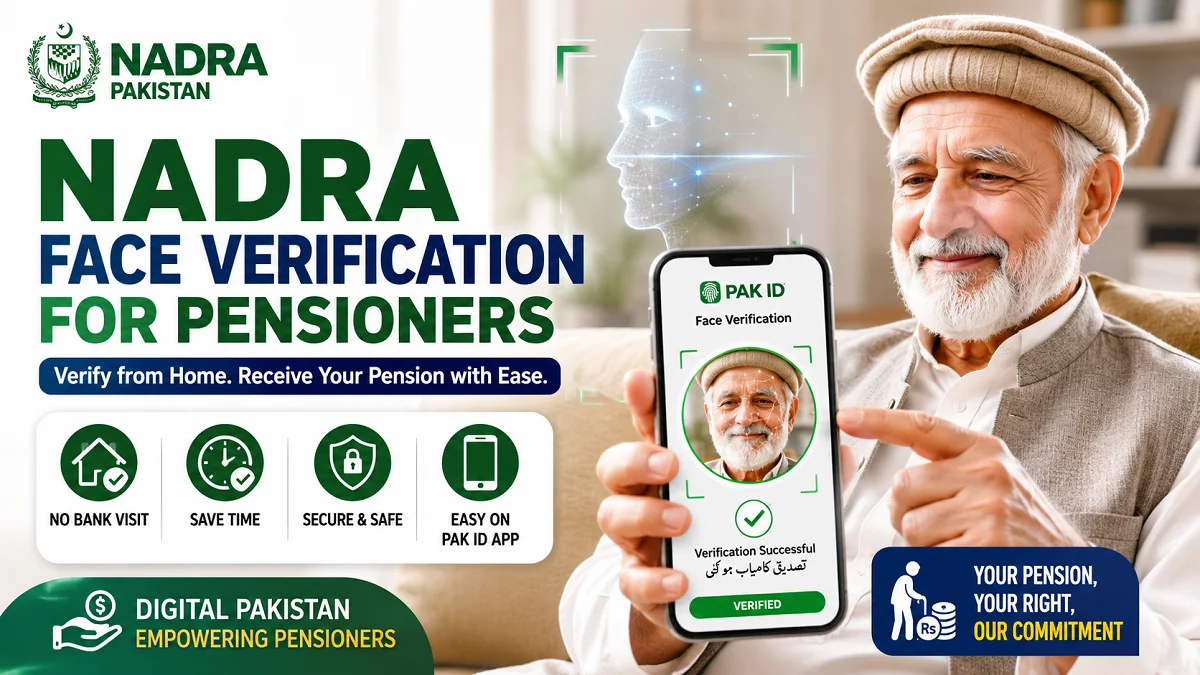
NADRA Face Verification for Pensioners: Pakistan has introduced a major digital improvement for pensioners by enabling face verification through the NADRA Pak ID app. This new system allows eligible pensioners to complete their mandatory identity verification from home using facial recognition technology instead of visiting a bank branch.
The initiative aims to make pension payments more accessible, especially for elderly citizens, people with mobility challenges, overseas pensioners, and those living in remote areas.
What Is NADRA Face Verification for Pensioners?
NADRA face verification for pensioners is a digital identity authentication process that uses facial recognition technology to confirm that a pensioner is alive and eligible to continue receiving pension benefits.

Traditionally, pensioners had to visit banks periodically to complete a “proof of life” process. This requirement often created difficulties for senior citizens who faced health issues, transportation challenges, or long travel distances.
The new digital system replaces many of these physical visits with a simple verification process through a smartphone.
Why NADRA Face Verification for Pensioners Was Introduced?
The government introduced face verification to address several challenges faced by pensioners.
Easier Access for Elderly Citizens
Many pensioners struggle with traveling to bank branches due to age-related health concerns. Digital verification allows them to complete the process from the comfort of their homes.
Reduced Bank Queues
Physical verification often results in long queues at banks, particularly during peak verification periods. Online verification helps reduce crowding and waiting times.
Faster Verification Process
Facial recognition technology can verify identities within minutes, making the process significantly quicker than traditional methods.
Better Access for Rural Areas
People living in villages and remote locations may have limited access to bank branches. Mobile verification removes the need for frequent travel.
Improved Digital Government Services
The initiative supports Pakistan’s broader effort to digitize public services and improve citizen convenience through technology.
How the NADRA Face Verification for Pensioners Works?
The verification process relies on facial recognition technology linked with NADRA’s existing biometric records.
Step 1: Download or Open the Pak ID App
Pensioners need access to the NADRA Pak ID mobile application on a compatible smartphone.
Step 2: Log In to the App
Users sign in using their registered account credentials.
Step 3: Start the Verification Process
The app provides an option for facial verification or proof-of-life authentication.
Step 4: Capture a Live Facial Image
The system asks the user to take a live selfie. The app may request certain movements, such as blinking or turning the head slightly, to confirm that a real person is present.
Step 5: Identity Matching
The captured image is compared with NADRA’s official biometric records.
Step 6: Verification Completion
Once the identity is successfully verified, the pensioner’s status is updated, allowing continued pension disbursement.
Benefits of NADRA Face Verification for Pensioners
The NADRA face verification for pensioners offers several important advantages.
| Benefit | How It Helps Pensioners |
|---|---|
| Home Verification | Eliminates unnecessary travel |
| Faster Processing | Reduces waiting times |
| Improved Accessibility | Helps elderly and disabled individuals |
| Greater Convenience | Available through smartphones |
| Reduced Bank Visits | Minimizes physical documentation requirements |
| Enhanced Security | Uses biometric facial recognition |
Who Can Benefit Most From This Service?
While all eligible pensioners can benefit, the system is especially useful for:
- Senior citizens with mobility issues.
- Pensioners living in rural areas.
- Individuals with disabilities.
- Overseas Pakistani pensioners.
- Citizens who live far from bank branches.
- People seeking faster and more convenient verification methods.
Requirements for Successful NADRA Face Verification for Pensioners
To complete the verification process smoothly, pensioners should ensure they have:
A Smartphone
A smartphone with a working front camera is necessary for facial recognition.
Internet Connection
A stable internet connection helps prevent interruptions during verification.
Registered NADRA Information
Personal details should match the records already available with NADRA.
Good Lighting
Adequate lighting improves the accuracy of facial recognition.
Traditional Bank Verification vs NADRA Face Verification for Pensioners
| Feature | Traditional Bank Verification | NADRA Face Verification |
|---|---|---|
| Travel Required | Yes | No |
| Bank Visit Needed | Yes | Usually No |
| Waiting Time | Often Long | Usually Short |
| Accessibility | Limited | High |
| Convenience | Moderate | Very High |
| Digital Process | No | Yes |
Practical Tips for a Successful NADRA Face Verification for Pensioners
Following a few simple practices can improve the chances of successful NADRA face verification for pensioners.
Use Proper Lighting
Face verification works best in bright, natural lighting conditions.
Remove Obstructions
Avoid sunglasses, face coverings, or anything that hides facial features.
Keep the Camera Lens Clean
A dirty camera lens can affect image quality and cause verification failures.
Follow On-Screen Instructions
Read and follow every instruction displayed by the app carefully.
Maintain a Stable Internet Connection
Poor connectivity can interrupt the verification process.
Common Reasons NADRA Face Verification for Pensioners May Fail
Although the system is designed to be user-friendly, some users may encounter difficulties.
Poor Image Quality
Blurry images may prevent successful matching.
Inadequate Lighting
Dark environments can make facial recognition less accurate.
Outdated Personal Records
If NADRA records contain outdated information, verification issues may arise.
Technical Problems
Temporary app errors or server issues can occasionally affect verification.
Camera Issues
Damaged or low-quality smartphone cameras may produce insufficient image quality.
What Should Pensioners Do If NADRA Face Verification for Pensioners Fails?
If face verification is unsuccessful, pensioners can take several steps.
- Retry the process in better lighting.
- Ensure the camera lens is clean.
- Update the Pak ID app to the latest version.
- Check internet connectivity.
- Contact NADRA support if repeated attempts fail.
- Visit a designated service center if alternative verification becomes necessary.
Security and Privacy Considerations
Many pensioners may wonder how their facial data is protected.
NADRA’s verification system uses biometric authentication linked to official identity records. Facial verification is intended to reduce fraud, prevent unauthorized pension withdrawals, and ensure that benefits reach legitimate recipients.
Users should always:
- Download the Pak ID app from official sources.
- Protect their login credentials.
- Avoid sharing verification codes with others.
- Complete verification only through authorized platforms.
What Most Pensioners Overlook?
Many users focus only on the verification process itself and forget a few important details.
Keep Mobile Numbers Updated
An outdated phone number can create difficulties when receiving verification codes.
Update Expired Identity Documents
Expired identity documents may lead to complications with certain services.
Verify Personal Information
Names, dates of birth, and other details should match official records.
Learn the Process Before Deadlines
Completing verification early helps avoid last-minute issues and delays in pension payments.
The Future of Digital Pension Services in Pakistan
The introduction of facial recognition for pension verification reflects Pakistan’s growing emphasis on digital public services. As technology continues to improve, citizens can expect more government services to become available remotely through secure digital platforms.
Such initiatives can improve efficiency, reduce administrative burdens, and make essential services more accessible to millions of Pakistanis.
Frequently Asked Questions (FAQs)
What is proof-of-life verification for pensioners?
Proof-of-life verification is a process that confirms a pensioner is alive and eligible to continue receiving pension payments.
Can pensioners now complete verification from home?
Yes. Eligible pensioners can use facial recognition through the NADRA Pak ID app to complete verification without visiting a bank.
Is face verification mandatory?
Requirements may vary depending on the pension scheme and implementation guidelines. Pensioners should follow instructions provided by their pension-paying authority.
Does face verification require fingerprints?
No. The new system primarily uses facial recognition technology through a smartphone camera.
What if a pensioner does not own a smartphone?
Alternative verification methods may remain available through banks or designated service centers, depending on applicable rules.
Is the Pak ID app free to use?
The Pak ID app can generally be downloaded and used without charge, although internet usage costs may apply.
Can overseas Pakistani pensioners use this service?
The digital verification system can be particularly beneficial for overseas pensioners, provided they meet the necessary requirements and have access to the Pak ID app.
Conclusion (NADRA Face Verification for Pensioners)
NADRA’s face verification system for pensioners marks an important step toward digital transformation in Pakistan. By allowing pensioners to verify their identity through the Pak ID app, the government has made the pension verification process faster, more secure, and significantly more convenient.
For elderly citizens, people living in remote areas, and those who find bank visits difficult, this initiative offers a practical solution that saves time and reduces unnecessary travel. As Pakistan continues expanding digital services, face verification is likely to play an increasingly important role in improving access to government benefits and public services.
Also read: NADRA Restricted Multiple Logins on Pak ID App: New Update